Need help placing an order? You can contact us directly on WhatsApp via! +254 759 857 032
eSIM Sim Cards In Kenya
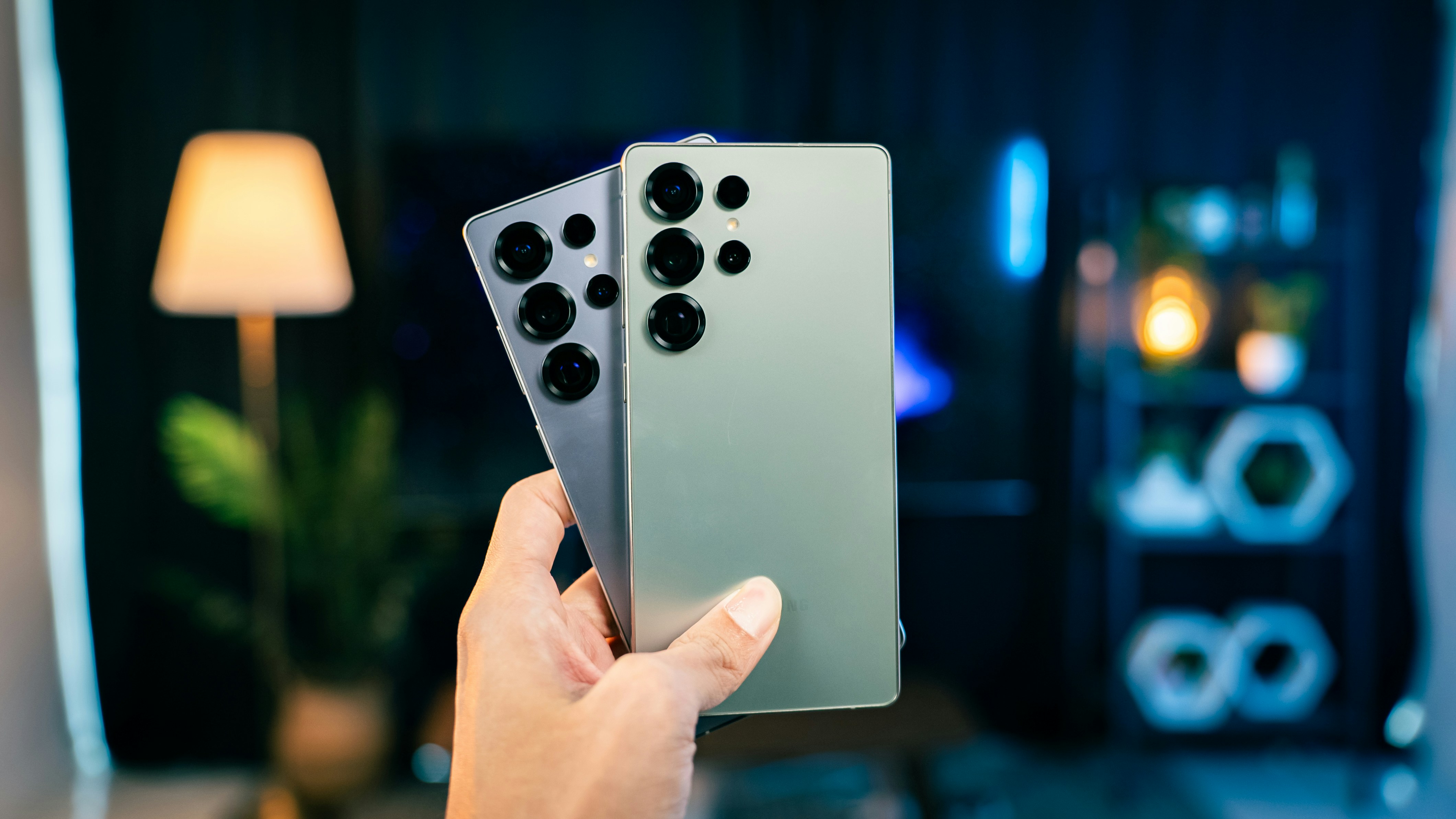
What Is an eSIM?
An eSIM is a digital SIM Card built directly into your smartphone. Instead of inserting a plastic SIM card into your phone, you simply download your mobile network profile by scanning a QR code provided by your carrier.
Once activated, your eSIM works just like a physical SIM that is you can make calls, send texts, use mobile data, receive M-PESA messages, and enjoy all your regular mobile services.
What Is a Physical SIM Card?
A physical SIM card is the small removable chip that has been used in mobile phones for years. It stores your mobile number and network information and can easily be transferred from one phone to another.
Although physical SIM cards remain popular in Kenya, more premium smartphones now include eSIM support, giving users greater flexibility.
eSIM vs Physical SIM:
| Feature | eSIM | Physical SIM |
|---|---|---|
| Installation | Digital activation | Insert SIM card |
| Can be lost? | No | Yes |
| Easy to switch networks | Yes | Requires replacing SIM |
| Dual SIM support | Excellent | Limited by phone slots |
| Travel convenience | Very convenient | Less convenient |
| Security | More secure | Can be removed or stolen |
For most modern smartphone users, eSIM offers greater convenience and flexibility.
Benefits of Using an eSIM in Kenya
1. No More Tiny SIM Cards
You don't need to search for a SIM ejector pin or worry about losing your SIM card. Everything is activated digitally.
2. Perfect for Dual SIM Users
Many newer iPhones and Samsung Galaxy phones allow you to use:
- Physical SIM + eSIM
- Two eSIMs
This is ideal if you want to use Safaricom for calls and M-PESA while using Airtel for affordable data bundles.
3. Better Security
Since an eSIM cannot simply be removed from your phone, it provides an extra layer of protection if your device is lost or stolen.
4. Great for Travelers
If you travel outside Kenya, you can easily add a local eSIM from another country without removing your Kenyan number.
Does Your Phone Support eSIM?
Many recent smartphones support eSIM, including:
Apple iPhone
- iPhone XS and XS Max
- iPhone XR
- iPhone 11 Series
- iPhone 12 Series
- iPhone 13 Series
- iPhone 14 Series
- iPhone 15 Series
- iPhone 16 Series
Samsung Galaxy
- Galaxy S21 Series
- Galaxy S22 Series
- Galaxy S23 Series
- Galaxy S24 Series
- Galaxy S25 Series
- Galaxy Z Fold Series
- Galaxy Z Flip Series
- Selected Galaxy A Series models (availability varies by model and region)
Always check your specific model, as eSIM support can differ depending on where the phone was purchased.
How to Get a Safaricom eSIM
Getting a Safaricom eSIM is straightforward if your phone supports it.
Step 1
Visit a Safaricom Shop or customer care centre with your national ID or passport.
Step 2
Request an eSIM replacement or new eSIM activation.
Step 3
Safaricom will verify your identity and provide you with a QR code.
Step 4
On your phone:
Settings → Mobile Network / Cellular → Add eSIM → Scan QR Code
Your phone will download and activate the eSIM profile.
Within a few minutes, your line should be ready for calls, SMS, mobile data, and other supported services.
How to Get an Airtel Kenya eSIM
Airtel Kenya also offers eSIM for compatible devices.
The process is similar:
- Visit an Airtel customer care shop.
- Carry your identification document.
- Request eSIM activation.
- Receive your QR code.
- Scan the QR code through your phone's settings.
- Complete activation and restart your phone if prompted.
Your Airtel line will then function normally using the embedded SIM.
Is eSIM Better Than a Physical SIM?
For most users, yes.
Choose an eSIM if you:
- Own a recent iPhone or Samsung Galaxy.
- Frequently travel.
- Want to use two networks on one phone.
- Prefer better security.
- Don't want to carry multiple SIM cards.
Choose a physical SIM if you:
- Regularly move your SIM between different phones.
- Use an older smartphone without eSIM support.
- Prefer a removable SIM card for convenience.
Frequently Asked Questions
Can I use Safaricom and Airtel together?
Yes. Most compatible phones let you use one network on a physical SIM and the other on an eSIM, making it easy to combine the strengths of both.
Will eSIM affect my phone's battery?
No. Battery life is generally the same whether you use an eSIM or a physical SIM.
Does eSIM support M-PESA?
Yes. Once your Safaricom eSIM is activated, supported services such as calls, SMS, mobile data, and M-PESA work just like they do with a physical SIM.
Leave a comment
Share your thoughts with the community.
Amazing Deals For You
Dont Miss Out On the Latest Trending Deals


GUARANTEED PRODUCT QUALITY
No fake products with money back guarantee
Instant returns on unsatisfactory products upon delivery
FAST RELIABLE DELIVERIES
Same day delivery promise within Nairobi,
Mombasa, Nakuru, Kisumu
Selected pickup points for convenience
PERSONALIZED FOR YOU
Pay with debit card, M-PESA or credit card
Compare products for easy purchase
Get digital assistance in your purchase